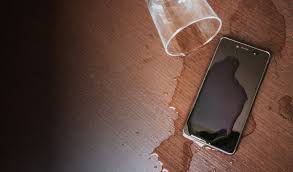
In today’s digital world, smartphones are indispensable tools. From checking emails and browsing the internet to streaming content and navigating with GPS, we rely heavily on our mobile devices. The screen, being the most used and visible part of the phone, is also the most vulnerable. Cracks, scratches, and dead pixels can shorten its lifespan. Fortunately, there are practical steps you can take to preserve your phone’s screen for years to come.
Use a High-Quality Screen Protector
A tempered glass or high-grade plastic screen protector is the first line of defense against physical damage. These protectors help shield your screen from scratches, accidental drops, and smudges. Tempered glass, in particular, is more resistant to impact and feels similar to the original screen, maintaining touch sensitivity.
Look for screen protectors with features like anti-glare, anti-fingerprint, and blue light filtering. These not only protect the screen but also enhance user experience and reduce eye strain.
Invest in a Durable Phone Case
A protective phone case that wraps around the screen edges can significantly reduce the chance of screen cracks during accidental falls. Opt for shock-absorbent cases with reinforced corners. Flip covers or wallet-style cases also add an extra layer of protection to the screen when the phone is not in use.
Make sure the case is compatible with your device model to ensure perfect alignment and unhindered access to buttons and ports.
Avoid Exposure to Extreme Temperatures
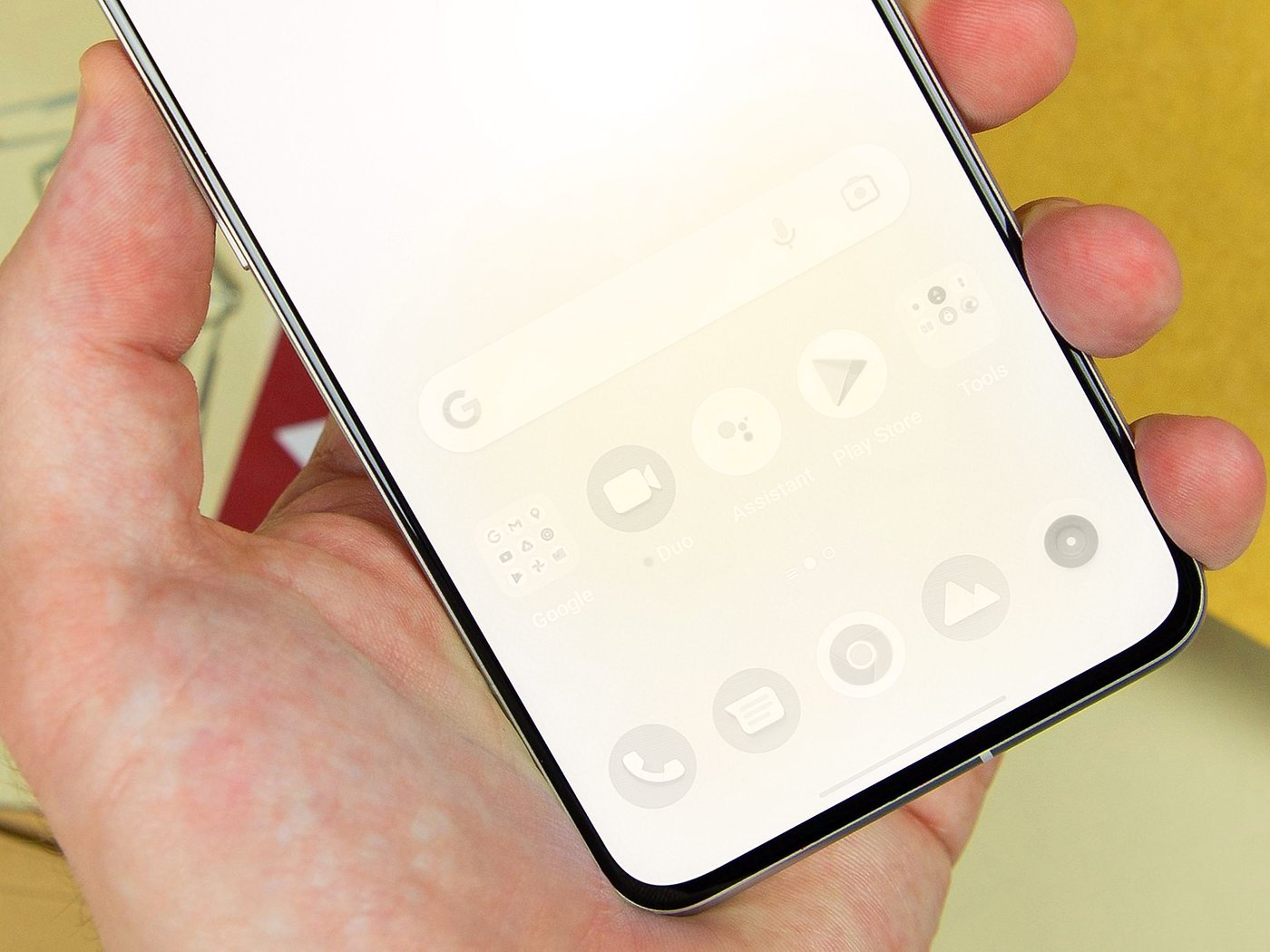
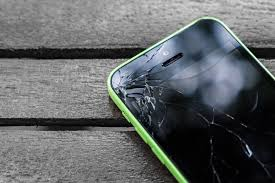
Smartphone screens, particularly OLED and AMOLED types, are sensitive to extreme temperatures. Exposure to direct sunlight for extended periods can cause discoloration or screen burn. On the other hand, very cold temperatures can reduce touch responsiveness and even cause the screen to shatter if dropped.
Always store your phone in a cool, shaded place when not in use, and avoid using it under harsh environmental conditions for extended periods.
Clean Your Screen Properly
Over time, dust, fingerprints, and oil can accumulate on the screen, affecting clarity and touch performance. Clean your screen regularly using a microfiber cloth and screen-safe cleaning solutions. Avoid using alcohol-based cleaners or paper towels, as they may scratch or damage the protective coatings on your screen.
If needed, lightly dampen the microfiber cloth with distilled water and gently wipe the screen in a circular motion.
Handle with Clean, Dry Hands
Using your phone with wet or greasy hands increases the chances of screen smudges, scratches, and accidental drops. Always make sure your hands are clean and dry before handling your device. This practice will not only extend the life of your screen but also help maintain hygiene.
Don’t Overcharge or Use While Charging
Using your phone while charging may cause the device to overheat, especially if it’s being used for gaming or video streaming. Excess heat can degrade the screen and internal components over time. Additionally, using poor-quality charging cables or adapters can lead to screen flickering or touch sensitivity issues.
Always use original or certified charging accessories, and avoid using your phone intensively while it’s plugged in.
Enable Auto-Brightness or Adaptive Brightness
Most smartphones today come with auto-brightness or adaptive brightness settings. This feature adjusts the screen brightness according to ambient lighting conditions, conserving battery and reducing screen wear.
Excessive brightness not only drains battery but also contributes to screen burn-in, especially on OLED and AMOLED displays. By keeping brightness at optimal levels, you ensure longer screen life and a more comfortable viewing experience.
Keep Your Phone Away from Sharp Objects
Keeping your phone in the same pocket or bag as keys, coins, or pens can lead to scratches on the screen. Always store your phone in a separate compartment or use a protective pouch.
Some people carry their phones face-down, but this increases the risk of screen scratches. Place your phone screen-up on soft or smooth surfaces whenever possible.
Update Software Regularly
Software updates not only bring new features but also contain patches for screen calibration, battery optimization, and touch sensitivity. A properly calibrated display ensures that touch gestures work smoothly and accurately, extending the screen’s functionality and responsiveness.
Turn on automatic updates or check for updates regularly to make sure your device stays in top condition.
Be Cautious with Third-Party Apps
Some third-party apps can interfere with screen settings or cause brightness and responsiveness issues. Only download apps from trusted sources like the Google Play Store or Apple App Store. Pay attention to app permissions and avoid those that request unnecessary access to system features.
Uninstall apps that cause abnormal screen behavior immediately, and monitor your screen for signs of ghost touches or flickering.
By following these tips, you can significantly extend the life of your phone’s screen. A little proactive care goes a long way in maintaining screen clarity, responsiveness, and overall performance. Protecting your smartphone screen not only enhances your daily experience but also boosts the resale value of your device should you decide to upgrade later.
#phonecaretips #screenprotection #smartphonetips #mobilemaintenance #cleanscreen #protectyourtech #gadgethacks #phonesafety #techlife #androidiphonecare