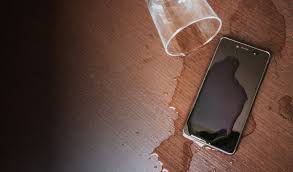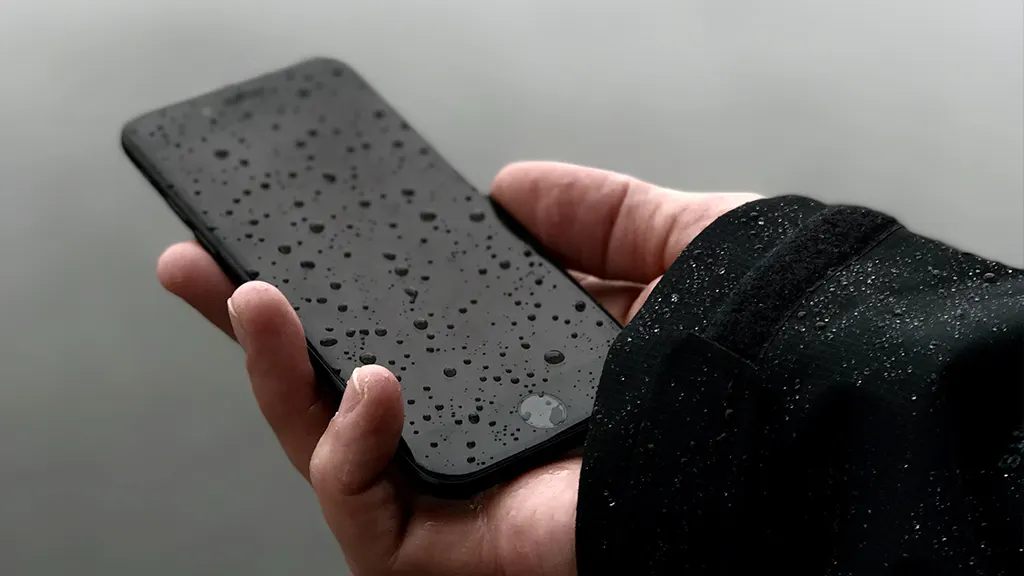
Using a smartphone in Pakistan’s unpredictable weather—especially during monsoon or in dusty environments—is risky if not handled with care. Rain, high humidity, and dust can damage your device, even if it’s labeled water-resistant. Knowing how to protect your phone from moisture and particles can significantly extend its lifespan and performance. This article explores practical steps to help you use your phone safely during rainy or dusty conditions.
1. Understand IP Ratings and What They Mean
Many smartphones now come with IP ratings, which indicate their resistance to dust and water.
- IP67 or IP68 phones are relatively safe to use in light rain or dusty conditions.
- However, “water-resistant” does not mean “waterproof.” Prolonged exposure to rain or moisture may still lead to internal damage.
- Lower-end or budget phones may not have any IP rating at all, which means they’re highly vulnerable to environmental elements.
Before you take your phone outdoors during unpredictable weather, check its IP rating in the settings or product specifications.
2. Use a Waterproof or Dustproof Case
A waterproof or dustproof phone case is your first line of defense. Even high-end phones need external protection during heavy rains or sandstorms.
- Look for sealed cases with flaps over charging ports.
- Choose shockproof cases with rubber seals to protect against both physical and environmental damage.
- If you’re on a budget, even a simple ziplock bag can offer temporary protection.
Investing in a good case is cheaper than repairing a moisture-damaged or short-circuited phone.
3. Avoid Using the Phone During Heavy Rain
Even with protection, try not to actively use your phone while it’s raining.
- Water may seep into speaker grills, headphone jacks, or charging ports.
- Using wet fingers on a touchscreen can cause it to behave erratically.
- Lightning and moisture combined can also make phone usage unsafe outdoors.
If it’s an emergency, use voice commands or smart assistants (like Google Assistant or Siri) to reduce physical interaction.
4. Keep Charging Ports Dry
One of the most common ways water damages phones is through wet charging ports.
- Never charge your phone if the port is wet or moist.
- If you suspect any water entered the port, turn off the device and let it dry thoroughly for several hours.
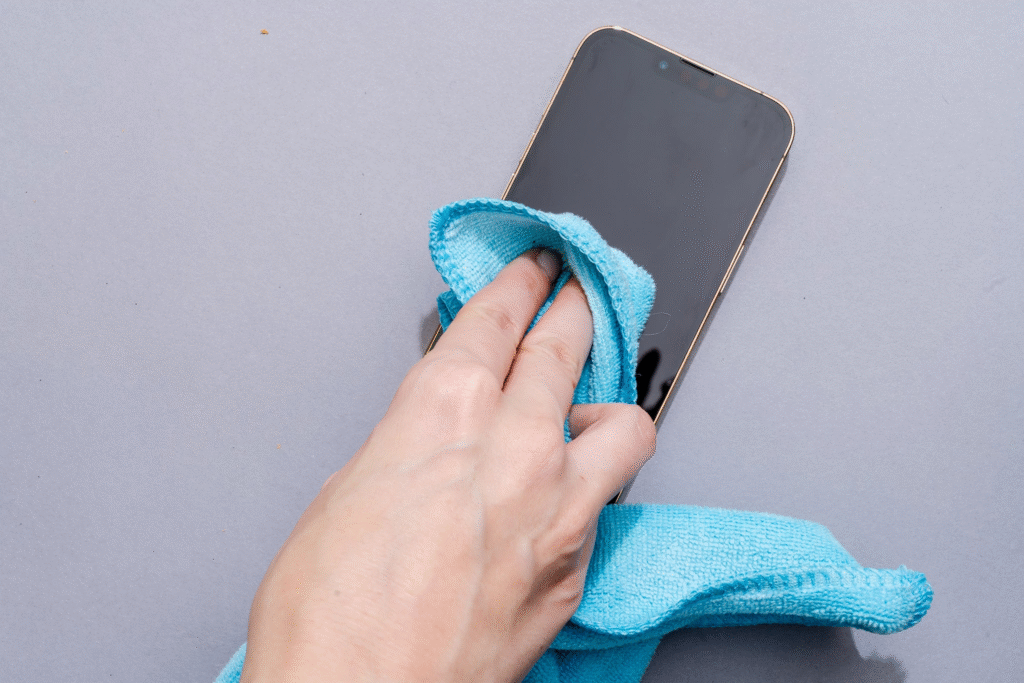
- Use a soft microfiber cloth to gently absorb surface moisture around the port area.
Avoid using hairdryers or direct heat, as this can push moisture further inside or damage the internal components.
5. Enable Rain or Glove Mode if Available
Some Android devices come with a feature called “glove mode” or “rain mode.” This makes the screen more responsive to taps and gestures even if your fingers are slightly wet or gloved.
- Check under your display or accessibility settings.
- iPhones don’t have a specific rain mode, but using a stylus in rain can reduce accidental touches.
These settings can reduce frustration when using your phone in rainy environments.
6. Wipe Down After Use
After exposure to rain or dust, always wipe your phone gently.
- Use a lint-free, dry microfiber cloth.
- Clean around crevices, speaker holes, camera lens, and the charging port.
- If dust enters these areas, use a soft brush or canned air (if available) to clear particles without scratching.
Routine cleaning can prevent long-term damage caused by accumulated grime or corrosion.
7. Avoid Keeping Phone in Outer Pockets
When it’s raining, keeping your phone in your shirt or jacket pocket puts it at direct risk of moisture.
- Instead, place it in a sealed pouch or deeper inside a zipped bag.
- Don’t keep your phone directly next to wet clothes, umbrellas, or bottles that could leak in a bag.
In dusty areas, avoid open pouches or pockets where debris can easily enter.
8. Use Bluetooth Devices to Avoid Exposure
Instead of taking out your phone to answer every call in the rain or dusty conditions:
- Use waterproof Bluetooth earbuds.
- Connect smartwatches to manage calls and notifications from your wrist.
This reduces how often your phone is exposed to rain or grime directly.
9. What to Do If Your Phone Gets Wet or Dusty
If your phone is exposed to water or excessive dust:
- Turn it off immediately.
- Remove any external cases or covers.
- Dry it gently with a microfiber cloth.
- Leave it in an upright position and allow air to circulate around it.
- Do not insert a charger or power it back on until you’re confident it’s completely dry.
For dust, don’t blow hard into ports; this might push debris deeper. Instead, use soft tools designed for cleaning electronics.
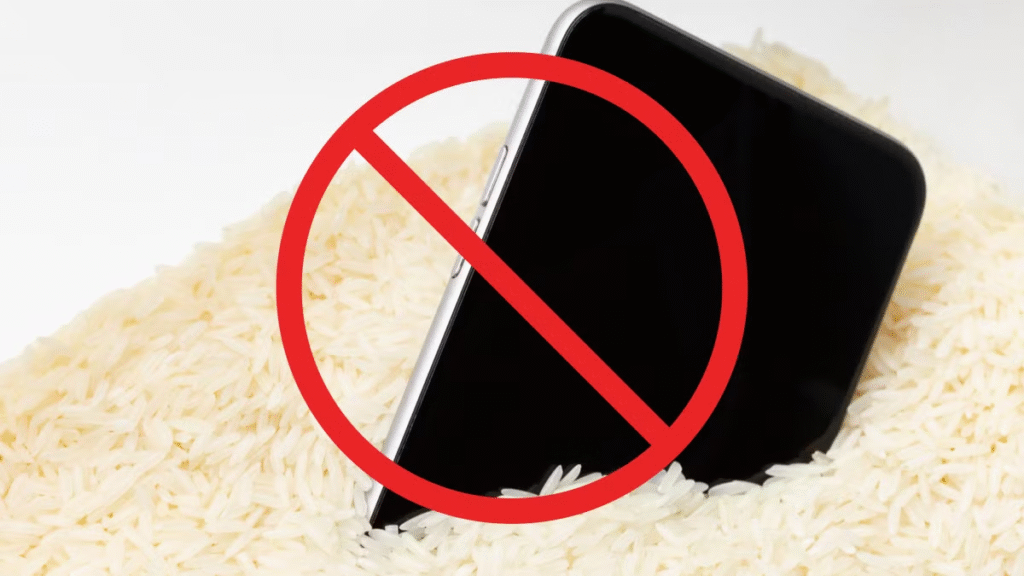
Additionally, do not put your phone in rice as the rice grains will only get stuck in your charging port, having no positive.
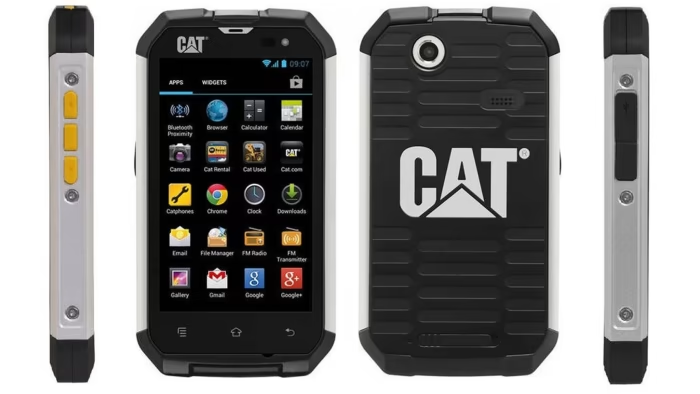
10. Consider a Rugged Phone if You’re in Extreme Environments
If your lifestyle or job puts your phone at constant risk—delivery services, construction, agriculture—it might be worth investing in a rugged phone.
- These phones often come with high IP ratings, military-grade durability, and long-lasting batteries.
- Brands like CAT, Ulefone, and some models from Samsung offer these features.
Though bulkier, they’re ideal for people who work in challenging outdoor environments.
Conclusion
Using your phone safely in the rain or dusty areas doesn’t have to be stressful. With the right knowledge and accessories, you can protect your device and prolong its life. Always plan ahead if you know the weather will be extreme or you’ll be in high-dust zones. A little precaution goes a long way in keeping your device functional and damage-free.
#PhoneCareTips #MobileProtectionGuide #DustproofPhones #RainySeasonTechTips #SmartphoneSafetyPakistan #WaterDamagePrevention #WeatherproofYourPhone #TechTips2025