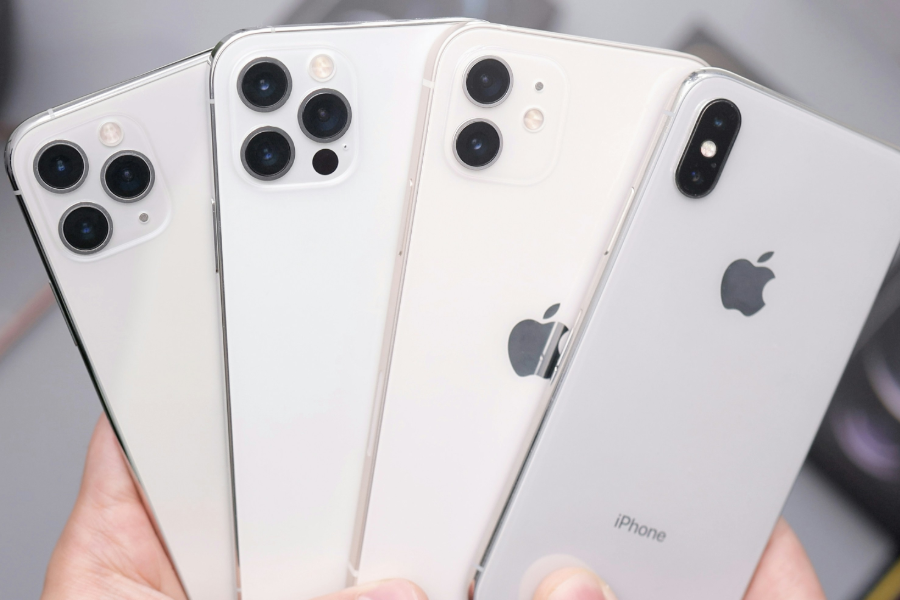
Buying a used phone in Pakistan can be a smart way to save money — but only if you know how to verify the device properly. Many people make the mistake of purchasing second-hand mobiles without checking the phone’s condition, authenticity, or PTA status. This guide walks you through the complete checklist to verify a used phone before buying it in 2025, whether it’s an iPhone, Samsung, Xiaomi, or any other brand.
1. Check the Physical Condition
Start by examining the phone’s exterior carefully:
- Screen: Look for scratches, cracks, dead pixels, or discoloration.
- Body: Inspect corners, back cover, and camera lens for dents or signs of drops.
- Buttons: Ensure volume, power, home button, and fingerprint sensor are working smoothly.
- Ports: Check charging, headphone (if applicable), and SIM tray functionality.
Used phones in Grade A+ condition should look nearly new, while Grade B or C might show minor wear and tear.
2. Verify the IMEI Number
The IMEI number is your primary tool to check if a phone is:
- Stolen or blacklisted
- PTA approved
- Tampered or cloned
How to check:
- Dial *#06# to view the IMEI.
- Match it with the SIM tray and phone box (if available).
- Visit the PTA DIRBS portal and enter the IMEI to confirm if the device is PTA approved.
Avoid any phone with a blocked, duplicate, or “non-compliant” IMEI status.
3. Check Battery Health
Battery performance is critical, especially for older phones.
For iPhones:
- Go to Settings > Battery > Battery Health & Charging
- A healthy battery shows 85% or more. Anything below 80% might need a replacement.
For Android phones:
- Dial codes like ##4636## (for some models) or use battery health apps like AccuBattery.
Poor battery health affects performance, screen time, and resale value.
4. Inspect Display Quality
A replaced or low-grade screen can ruin your experience.
- Test brightness at full level.
- Open white, black, and red backgrounds to check for dead pixels.
- Check screen responsiveness and multi-touch using drawing apps.
- Verify if the screen is original OLED (iPhones, Samsung flagship) or cheap LCD replacement.
Original displays offer better colors and touch response. Cheap replacements can lower the phone’s actual value.
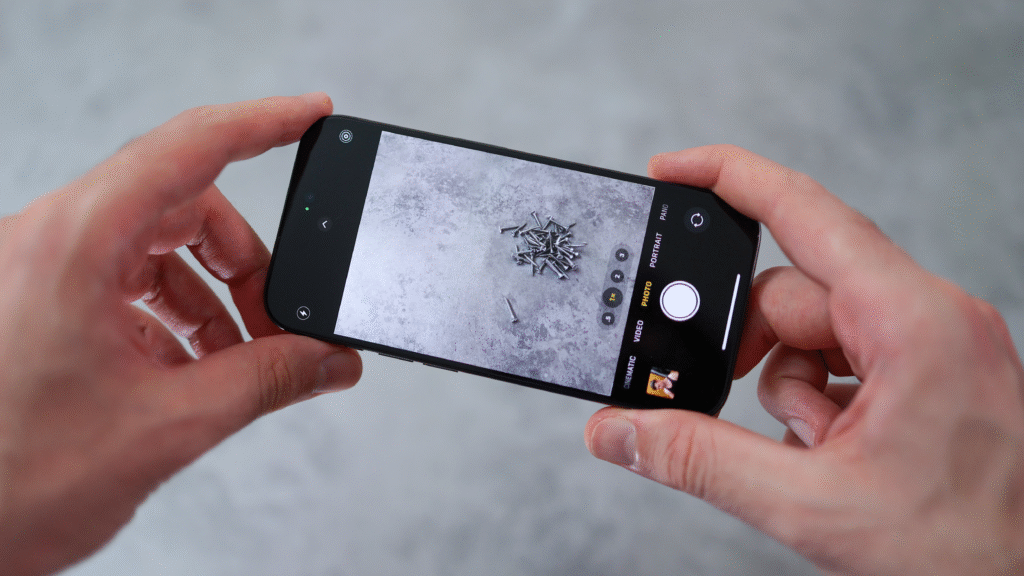
5. Test Camera Performance
Open the camera app and test all functions:
- Front and back camera
- Zoom and focus
- Portrait, night, and video modes
- Flash functionality
Check for blurry images, black spots, or crashing camera apps — these could indicate hardware issues.
6. Test All Hardware Features
Here’s a quick checklist of things to test before buying:
- Wi-Fi and Bluetooth
- Fingerprint sensor or Face ID
- Speaker and mic (make a test call)
- Charging port
- SIM and memory card slots
- Network reception (insert your SIM)
- Vibration and proximity sensor
Use apps like “Phone Check” (Android) or “TestM” (Android & iOS) to test all hardware in one go.
7. Check for iCloud or Google Lock
A locked phone is practically useless.
- For iPhones: Go to Settings. If an iCloud account is still logged in, ask the seller to remove it. Sign out of iCloud and turn off Find My iPhone.

- For Android: Go to Settings > Accounts > Google. Ensure it is removed completely.

Never buy a phone with iCloud lock or FRP (Factory Reset Protection) still enabled.
8. Ask for Original Box & Accessories
While not always available, having the original box increases resale value. Cross-check:
- IMEI on the box matches the phone
- Original charger or accessories (especially for fast charging)
- Proof of purchase or warranty (if available)
9. Check for Software and Security Updates
- Check if the phone is running the latest OS it supports.
- Go to Settings > Software Update.
- Updates indicate the phone hasn’t been rooted or flashed improperly.
Avoid phones with custom ROMs unless you specifically want them.
10. Avoid Red Flags
Do NOT buy the phone if:
- Seller refuses to show IMEI
- PTA status is “non-compliant”
- Phone heats up abnormally
- Camera, mic, or speaker doesn’t work
- iCloud or Google account is still signed in
- Display is unusually dim or flickers
Meet in well-lit public places, and ideally test the phone while connected to your mobile data SIM.

Conclusion
In 2025, used phones continue to offer excellent value for budget-conscious buyers in Pakistan — but only if you verify them properly. Following the 10-step checklist above ensures that you don’t end up with a stolen, damaged, or blocked device. Take your time, verify every detail, and don’t let urgency rush your decision.
#UsedPhonesPakistan #VerifyBeforeBuy #IMEICheck #PTAApprovedPhones #iPhoneUsedCheck #SecondHandPhonesPK #BatteryHealthCheck #NoICLOUDLock #MobileBuyingTips