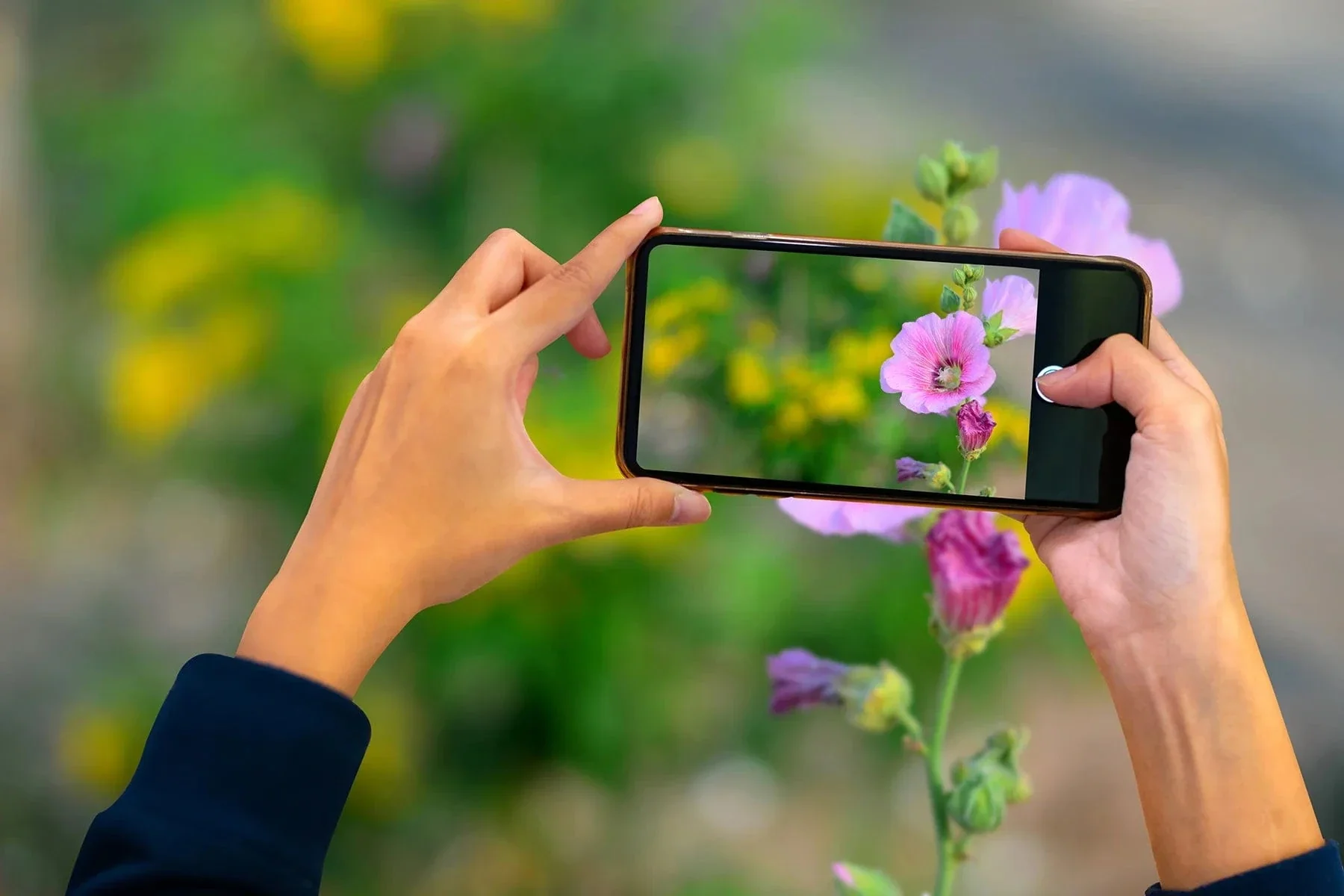
In today’s social media-driven world, photography is no longer limited to expensive DSLRs or flagship smartphones. With the right knowledge and a bit of creativity, even budget phones under Rs. 30,000 can deliver stunning photos. Thanks to significant improvements in mobile camera hardware and software, anyone with a decent phone and a good eye can become a smartphone photography pro.
If you’re a student, a freelancer, a content creator, or just someone who enjoys clicking pictures, this guide will teach you how to get the best photography results from your budget smartphone in 2025.
1. Know Your Camera Settings
Start by getting familiar with your phone’s camera app. Most budget phones now come with Pro Mode, HDR, Panorama, and Portrait settings. Learn what each mode does. For example:
- Pro Mode lets you manually adjust ISO, white balance, shutter speed, and focus.
- HDR Mode helps capture more dynamic range, especially in daylight shots.
- Portrait Mode uses software to create a shallow depth of field effect.
Don’t rely entirely on Auto Mode—learning the manual controls can help turn an ordinary shot into a professional-looking photo.
2. Use Natural Lighting
Lighting can make or break your photo. Budget phones may struggle in low-light conditions, so try to shoot in daylight or well-lit areas. Position your subject so that the light hits from the side or front for a flattering effect. Avoid using your phone’s flash unless necessary—it often creates harsh, unnatural shadows.
Golden hour—one hour after sunrise and before sunset—is ideal for shooting with soft, warm lighting.
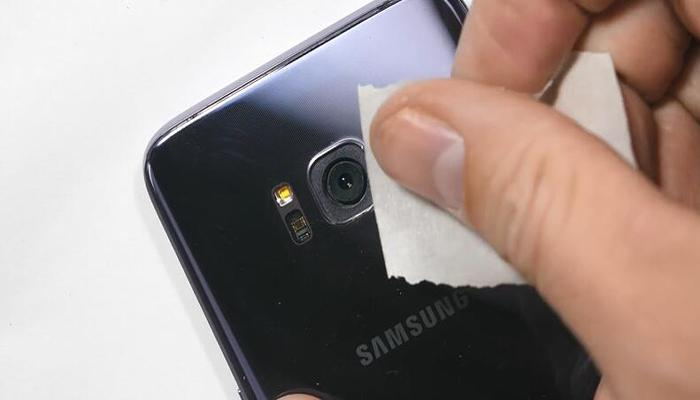
3. Keep the Lens Clean
Sounds basic, but it’s often ignored. Your phone is constantly handled and exposed to dust and fingerprints. A dirty lens can cause blurred or hazy photos. Use a soft microfiber cloth to clean the lens before every shoot.
4. Use Gridlines and Composition Rules
Most phones have an option to enable gridlines. Use the Rule of Thirds to place your subject in a more visually appealing spot rather than dead center. This creates balance and adds a professional touch to your photos.
Also, try experimenting with leading lines, symmetry, and negative space for dramatic and eye-catching compositions.
5. Avoid Digital Zoom
Budget phones often lack quality zoom lenses. When you zoom in digitally, you’re just cropping the image, which reduces quality and sharpness. Instead, get closer to your subject or take the photo from a distance and crop it later during editing.
6. Use a Tripod or Stabilizer
Blurry images are a common issue with budget phone cameras, especially in low light. To reduce motion blur, use a small mobile tripod or even a makeshift stabilizer. You can also hold the phone with both hands and rest your elbows on a surface to minimize shaking.
Many budget phones also come with built-in image stabilization—check if your model supports it in video mode too.
7. Try Third-Party Camera Apps
If your phone’s default camera app feels limited, explore apps like Open Camera, Manual Camera, or Lightroom Mobile. These apps provide better control over camera settings, especially if your phone supports Camera2 API.
Some apps even simulate DSLR-style effects using computational photography.

8. Edit Smartly
Post-processing is just as important as the photo itself. Free apps like Snapseed, Lightroom Mobile, and VSCO allow you to enhance lighting, sharpness, contrast, and more. Be careful not to over-edit—aim for a clean, natural finish.
Use editing tools to crop, straighten, correct exposure, and remove unwanted elements.
9. Experiment with Angles and Perspectives
Don’t stick to eye-level shots. Try capturing from a low angle to make subjects look taller or more dramatic. Overhead flat lays, diagonal frames, and tilted perspectives can add a fresh take to boring compositions.
Change your height, move around, and explore different points of view to find the most impactful shot.
10. Shoot in High Resolution
If your phone allows it, always shoot in the highest available resolution. This gives you more editing flexibility and ensures the details are retained, especially when cropping.
Avoid beauty filters or low-res social media modes that reduce photo quality.
Final Thoughts
Budget smartphones are more powerful than ever in 2025, and you don’t need a high-end device to capture great moments. With good lighting, composition, and basic editing, your mobile photos can rival those taken on expensive gear.
Whether you’re building an online portfolio, running a business page, or just love sharing your life through visuals, your budget phone is a capable tool in your pocket. The key is to practice, stay creative, and keep pushing your limits.
#MobilePhotography2025 #BudgetPhoneCamera #PhotographyTipsPakistan #BestCameraPhones2025 #SmartphonePhotographyGuide #PhonePhotoHacks #SnapseedTips #CreativeMobileShots